How to Choose a TV Wall Mount in UAE | Skill Tech
How to Choose the Right TV Wall Mount in UAE
Choosing a TV wall mount starts with your television’s specifications and the room where it will be installed. The right bracket should support the screen’s weight, match its mounting pattern and provide a comfortable viewing position.
Whether you are setting up a living room in Dubai or a meeting room elsewhere in the UAE, this guide explains what to check before selecting a TV mount.
1. Choose the Right Type of TV Mount
Fixed TV Wall Mount
A fixed mount holds the television close to the wall without regular angle adjustment. It suits setups where viewers sit directly in front of the screen and the mounting height is already suitable.
Check that there is enough clearance for power plugs, HDMI connections and other cables.
Tilting TV Wall Mount
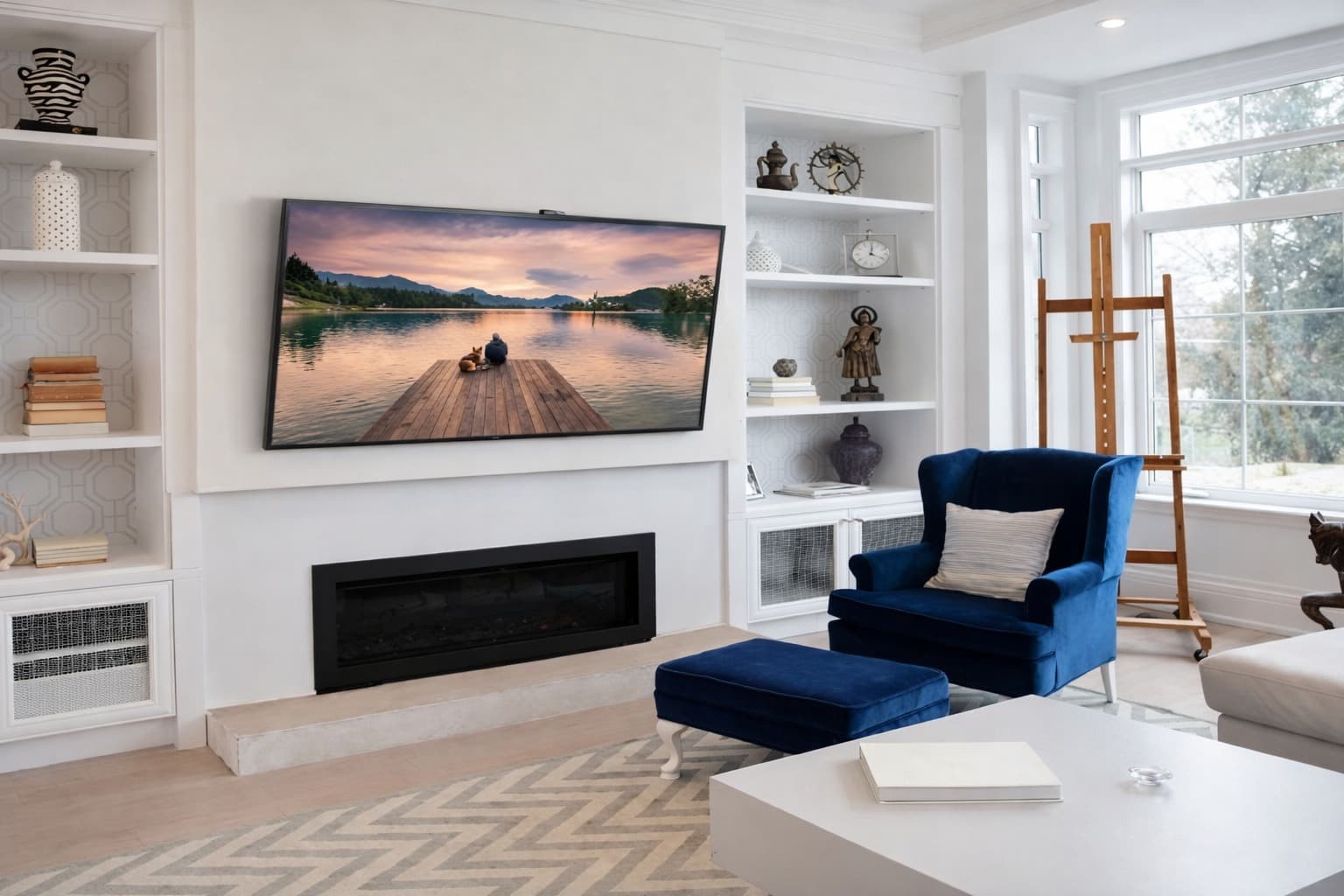
A tilting mount allows you to adjust the screen’s vertical angle within the model’s specified range. It can be useful when the mounting position is slightly above the main viewing level.
Tilting can improve the viewing angle, but it does not compensate for placing the screen excessively high.
Full-Motion TV Wall Mount
A full-motion or articulating mount allows the screen to extend from the wall and turn towards different viewing positions. Depending on the model, it may also offer tilt adjustment.
It can suit rooms with multiple seating areas or certain corner installations. Check the extension range and available swivel angle, as larger screens may have less room to turn.
Ceiling TV Mount
A ceiling mount can be considered where wall mounting is unsuitable, particularly in commercial environments. Compatibility depends on the display, ceiling structure and mounting system.
2. Check TV Size and Weight
The mount’s advertised screen size range is only one part of compatibility. Confirm your television’s weight without its original stand and compare it with the bracket’s maximum rated load.
Also check any restrictions listed by the mount manufacturer, especially for large or unusually shaped displays.
3. Confirm VESA Compatibility
The VESA mounting pattern describes the horizontal and vertical spacing between the mounting holes on the back of the television, measured in millimetres.
For example, a 400 × 400 mm pattern means the holes are spaced 400 mm apart in both directions. Choose a bracket that supports your TV’s pattern and follow the television manufacturer’s requirements for screws and spacers.
4. Consider Your Room Layout
Think about where people will sit and how the screen will be used.
One main viewing position: A fixed or tilting mount may be suitable.
Multiple seating positions: A full-motion mount can offer useful adjustment.
Corner placement: Check arm reach, screen clearance and wall suitability.
Meeting rooms: Consider visibility from all seats and access to presentation connections.
Room size alone does not determine the right mount. Viewing positions and required movement matter more.
5. Plan a Comfortable Viewing Height
For seated viewing, aim to position the centre of the screen near eye level where practical. Check the position from your usual seat before drilling.
Account for furniture, soundbars and other equipment. If mounting near a fireplace or another heat source, confirm the television manufacturer’s temperature and clearance requirements.
6. Check the Wall Structure
The wall and fixings must be suitable for the combined load of the television and bracket. Concrete, masonry and framed walls require different installation methods.
For plasterboard walls, confirm the supporting structure and use an installation method rated for the load. Full-motion brackets also place additional leverage on the fixing points when extended.
Follow the mount manufacturer’s instructions and arrange a qualified assessment if the wall construction is uncertain.
7. Allow Space for Cables and Accessories
Check access to HDMI ports, power connections and other inputs before choosing a low-profile bracket. For adjustable mounts, cables need enough slack to allow movement without pulling or becoming trapped.
Plan cable routing and soundbar placement before installation to keep the finished setup organised.
Common TV Mount Selection Mistakes
Choosing a bracket based only on screen size.
Overlooking the TV’s weight or VESA pattern.
Selecting a fixed mount when angle adjustment is needed.
Mounting the screen too high.
Using unsuitable wall fixings.
Leaving insufficient clearance for cables and connections.
Find a Suitable TV Mount with Skill Tech
Skill Tech offers TV mounting solutions for homes and commercial spaces in the UAE. Selecting a suitable option starts with your TV model, weight, VESA pattern and installation requirements.
Contact Skill Tech to discuss fixed, tilting and full-motion TV mounts, request a quotation or enquire about TV installation services in the UAE.
Recent Posts
Will a Full-Motion TV Mount Fit in a Recessed Wall?
October 27, 2026
TV Trolley Selection for Shared Meeting Rooms in the UAE
October 27, 2026
Digital Podiums UAE | Smart Presentation Solutions | Skill Tech
October 6, 2026
Digital Signage Kiosks UAE | Touch & Non-Touch | Skill Tech
October 6, 2026