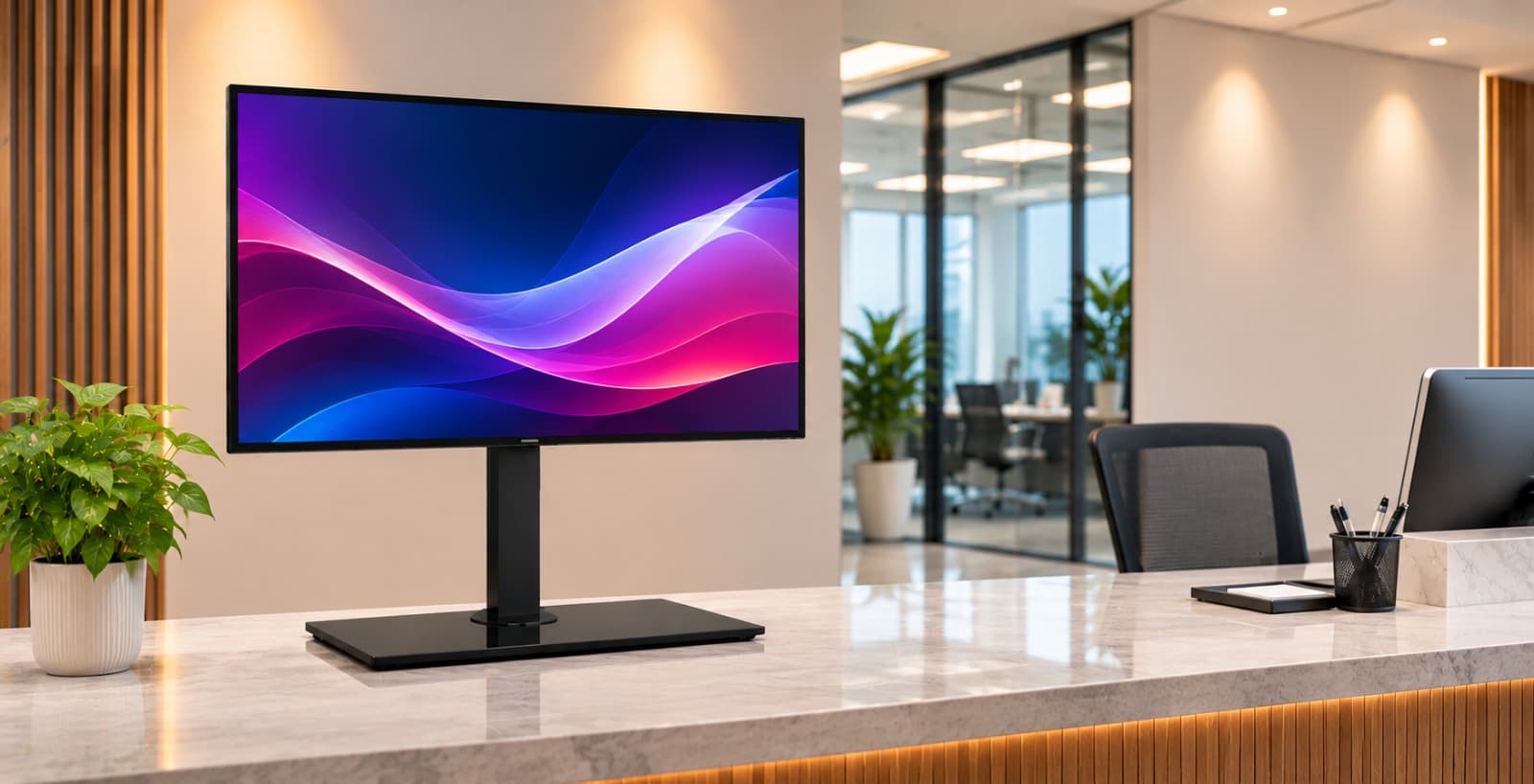
Can You Replace Missing TV Feet with a Tabletop Stand?
Yes, a compatible tabletop TV stand can replace missing original feet if your TV supports rear mounting and the stand matches the screen’s mounting pattern, weight and size. A replacement set of original feet attaches at the points designed for your specific TV model, while a VESA tabletop stand attaches to the mounting holes on the back of the screen. Start with the exact model number from the rear label or the TV’s settings, then check the manufacturer’s manual for the VESA pattern and mounting hardware requirements. VESA measurements describe the horizontal and vertical spacing between the mounting holes in millimetres. If your TV uses a 300 × 200 mm pattern, for example, confirm that exact pattern in the stand’s compatibility list. A listing that says “maximum VESA 600 × 400 mm” does not tell you which smaller patterns it accepts. Next, compare the television’s weight without its original feet with the stand’s load rating, and check the supported screen-size range separately. A screen can fall within the advertised size range and still exceed the weight limit. Check the screw diameter and permitted insertion depth in the TV manual, especially if the mounting holes sit in a recess. Use the hardware and any spacers specified in the TV and stand instructions. Avoid reusing screws from the original feet or a previous wall mount unless their suitability is confirmed. Once the TV and stand match, check the furniture. A centre pedestal can help when the original feet were too far apart for the cabinet, but measure the replacement base’s full width and front-to-back depth before ordering. The whole base should sit on a sturdy, level surface designed to support the combined weight of the TV and stand, with no overhang. If you use a soundbar, check that it clears the bottom of the screen and does not block the remote sensor. Check that the bracket leaves power and HDMI ports accessible and that plugs have enough room behind the cabinet. On a swivel model, check clearance around the screen throughout the movement you plan to use. For example, a pedestal may fit on a shallow cabinet while the screen still touches the wall when turned. Skill Tech’s tabletop TV stands include the SH 3270B swivel tabletop TV stand, listed for most 37–70-inch screens with a 35 kg load rating and a maximum VESA of 600 × 400 mm. Use those figures to shortlist the model, then confirm the exact mounting pattern, hardware, base dimensions and clearance for your setup. If the TV has no compatible rear mounting points, ask the manufacturer about replacement feet approved for your model. Follow the TV and stand instructions for assembly and tip-over prevention, including any required restraints. If the furniture is unstable, the mounting points appear damaged or you cannot confirm the correct hardware, have a qualified installer assess the setup before fitting the screen. Contact Skill Tech with your TV model, weight, VESA pattern and cabinet dimensions for help checking tabletop stand compatibility.
Recent Posts
Monitor Arms for Office Rollouts: What to Check Before Ordering
November 12, 2026
Will a Full-Motion TV Mount Fit in a Recessed Wall?
October 27, 2026
TV Trolley Selection for Shared Meeting Rooms in the UAE
October 27, 2026
Digital Podiums UAE | Smart Presentation Solutions | Skill Tech
October 6, 2026